TeamViewer QuickSupport
TeamViewer
Downloads
50,000,000+
Source
Google Play
Advertisement
Click to download now, finish the installation quickly, and directly unlock the all-round experience
Advertisement
Screenshots
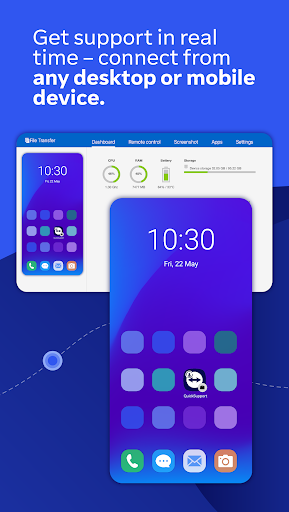
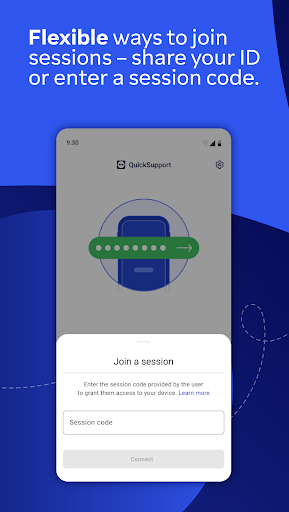
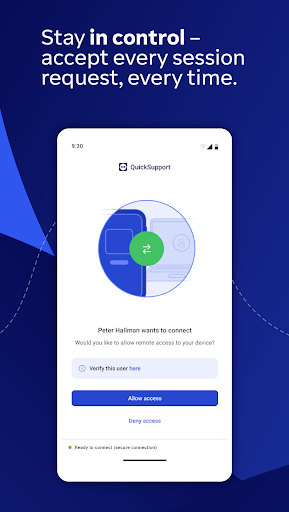
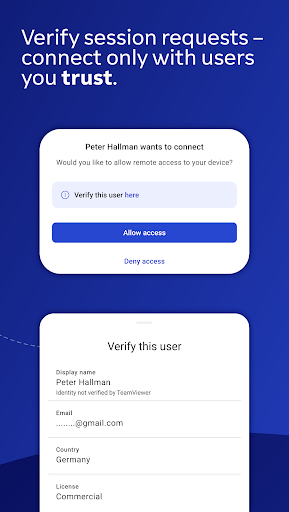
Click to download now, finish the installation quickly, and directly unlock the all-round experience
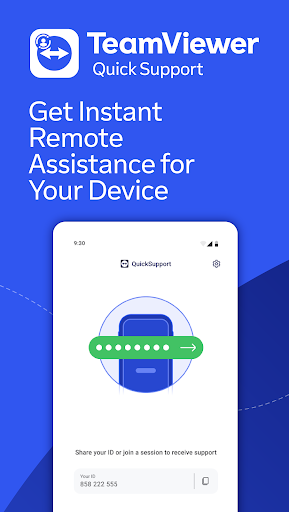
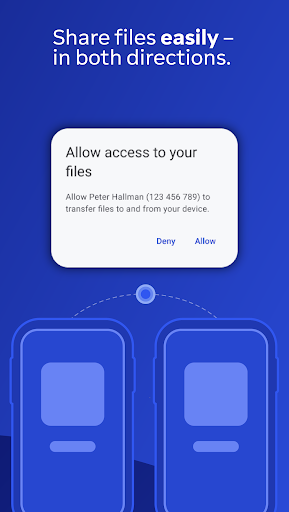
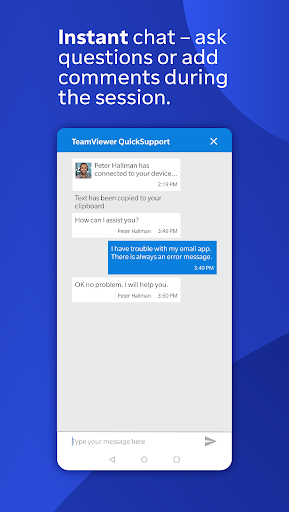
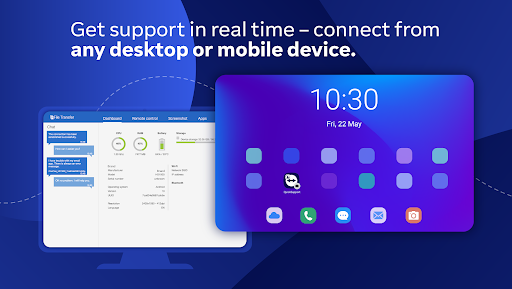
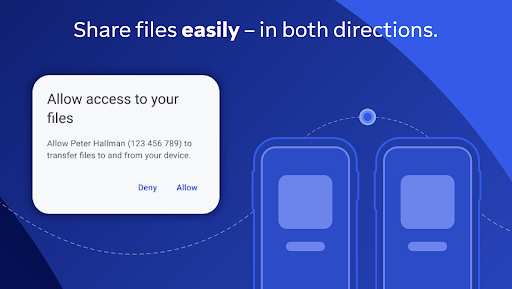
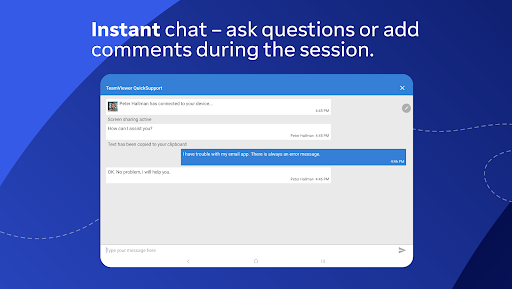
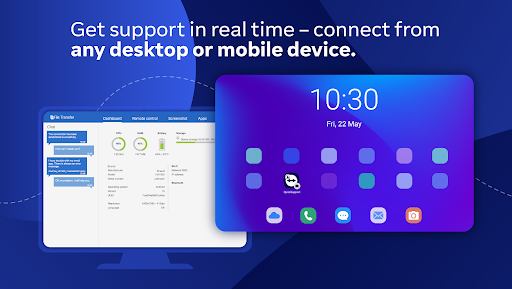
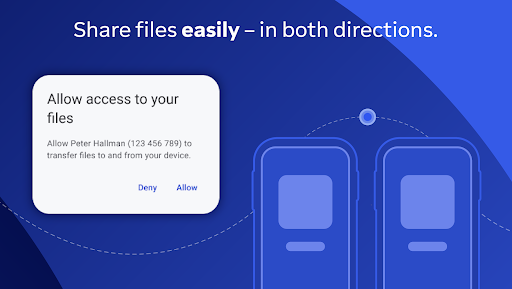
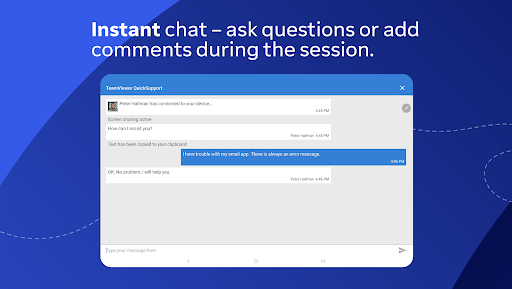
TeamViewer QuickSupport lets a support person connect remotely to your phone or tablet so they can help troubleshoot it. During a session, they may be able to view device information, chat with you, transfer files, or change some settings, including Wi-Fi settings. It suits someone who has asked a trusted person or IT team for help and can stay present while they work.
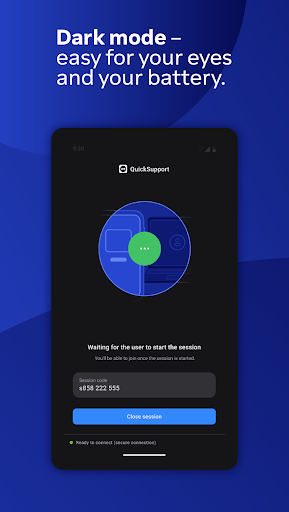
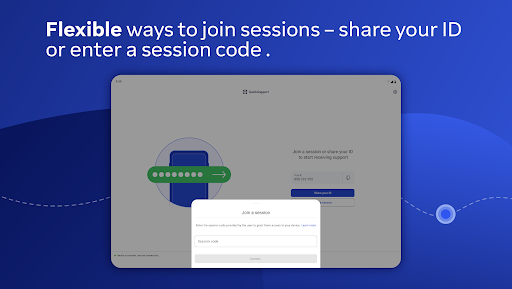
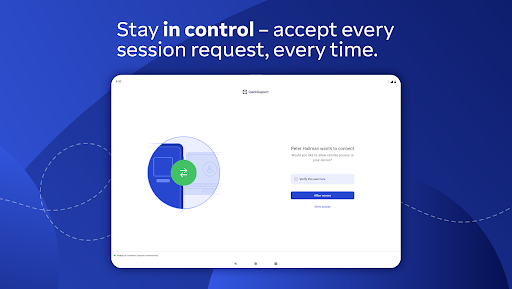
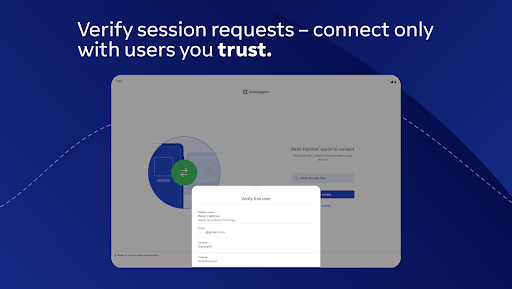
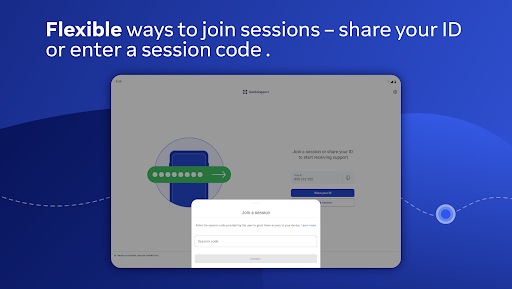
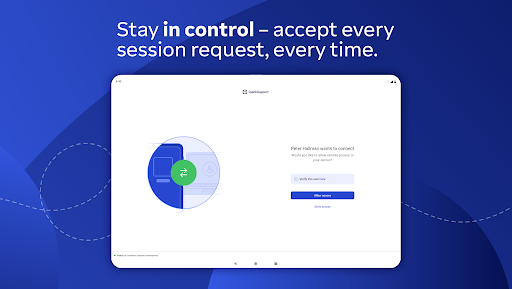
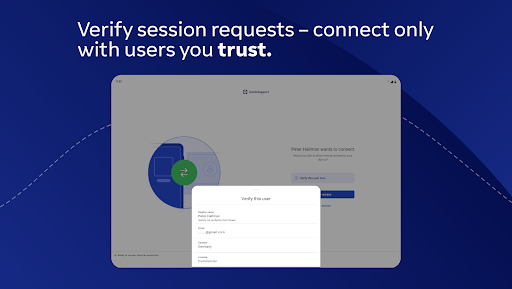
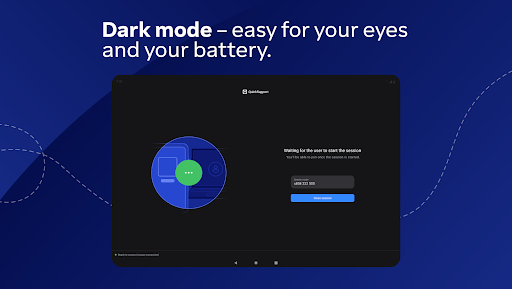
The app is for receiving support, not for silently opening a connection in the background. You need to open it and share its ID or use a session code, then accept each connection request. Before agreeing, check the person’s displayed details and make sure you recognise who is asking. End the session if the request or activity does not match what you expected.
Remote access can expose what is on your screen and may allow actions beyond simply looking at it. Only connect with someone you trust, and avoid sharing sensitive information during a session unless it is necessary for the support you requested.
QuickSupport is useful when a colleague, technician, or family member needs to see a problem directly rather than guide you through it over the phone. The remote partner can connect from a computer, browser, or mobile device. If you rarely need remote assistance, you may not need a dedicated support app on your home screen.
TeamViewer is the developer. The app has a 4.33 out of 5 rating from about 164,000 reviews and more than 50 million installs. Those figures suggest broad use, but they cannot tell you whether a particular support request is genuine. Keep the app only if receiving remote help is something you expect to use, and grant access session by session.