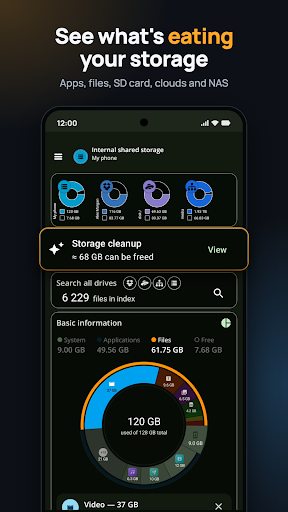
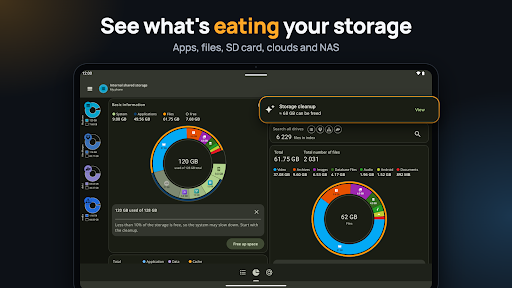
See what is using your storage
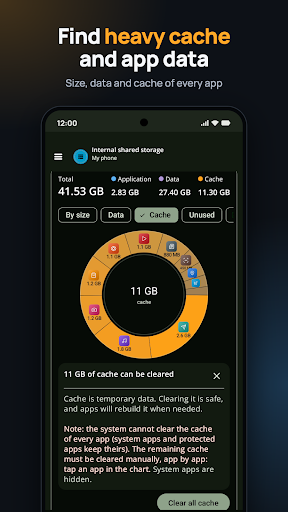
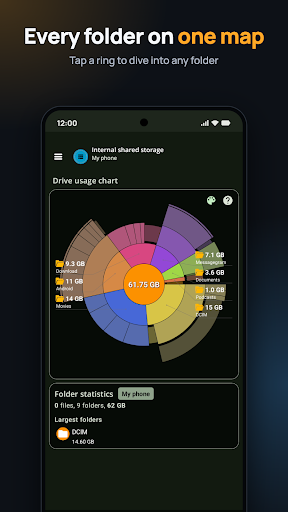
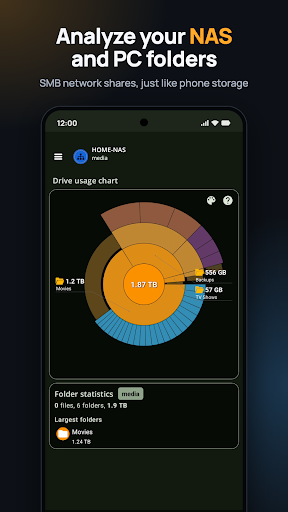
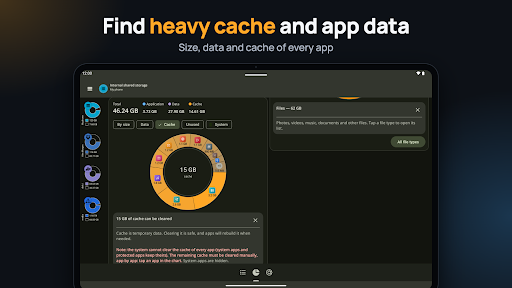
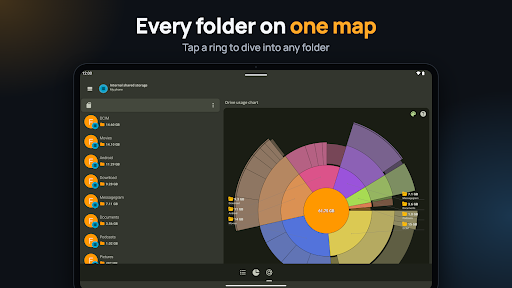
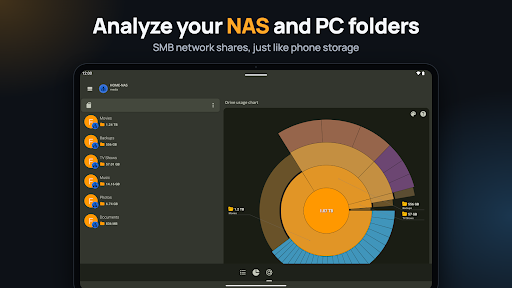
Storage Analyzer: Disk Cleaner helps you inspect what takes up space on a phone or other connected storage. Its visual map shows folders and files by size, so you can explore a large section and see what is inside. It also lists large files and folders, file categories, and apps with their storage, data and cache sizes. This may suit someone who wants to understand a storage problem before deciding what to remove.
Choose what to clean
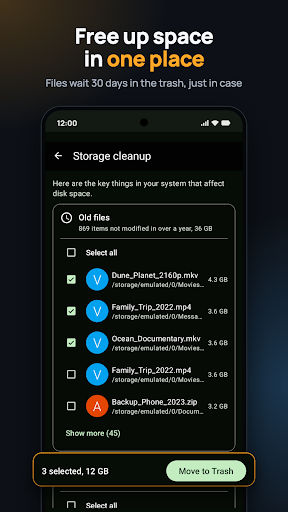
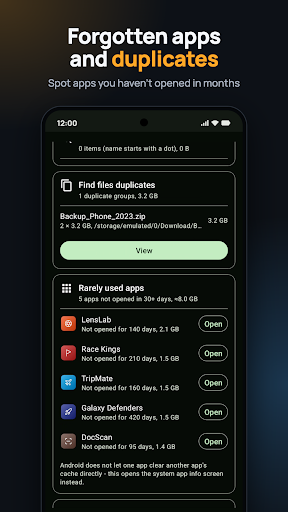
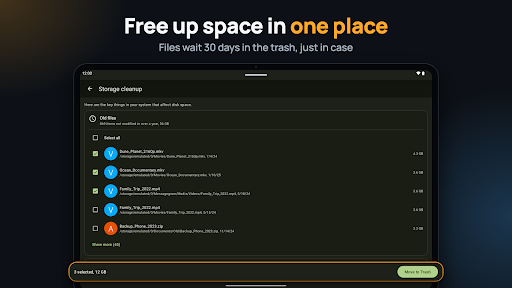
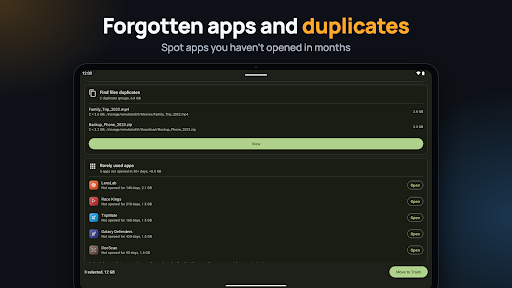
The app can surface older large files, hidden files and folders, apps that have not been opened recently, and apps with large caches. It also has a duplicate-file finder, which identifies matches by name and size. These lists are prompts to review, not a reason to delete everything: check the file paths and contents first, especially for downloads, offline media or app data you still need.
According to the supplied description, files deleted through the app go to a trash area for 30 days, where they can be restored or removed permanently. Cache clearing and app removal lead to Android’s system settings. Review each choice before confirming it.
Consider what you need
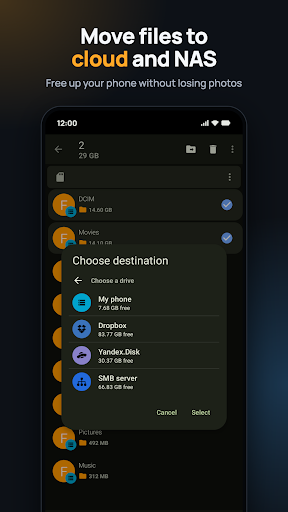
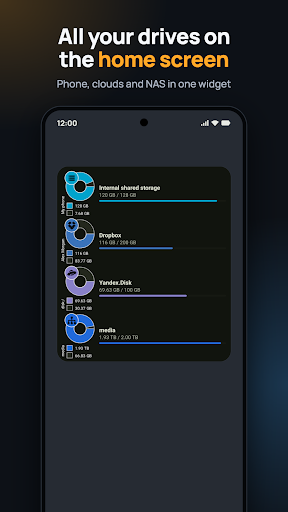
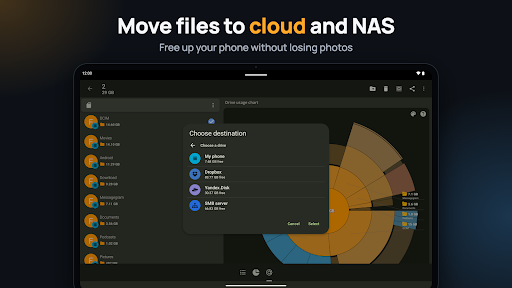
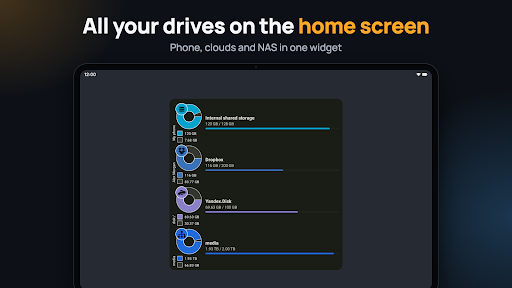
The app is most relevant if you want a detailed view of storage and are willing to sort through results yourself. It may be unnecessary if you rarely run out of space or already manage files through your phone’s built-in tools. Its listed capabilities include analysis of internal storage and supported connected drives and services; what you can inspect will depend on the storage available to your device and the access you grant.
Who is behind it?
Storage Analyzer: Disk Cleaner is published by Mobile Infographics Tools in the Productivity category. It has a 4.25 out of 5 rating from 117,589 ratings and 10,000,000+ installs. Those figures show that many people have rated or installed it, but they do not tell you whether its access requests suit your needs. Before using a cleaner, consider which files and storage locations it needs to inspect, and whether you are comfortable granting that access.