Work with CAD drawings away from a desktop
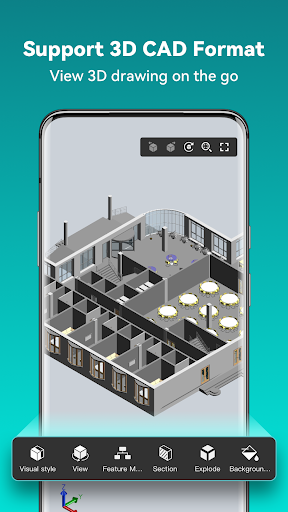
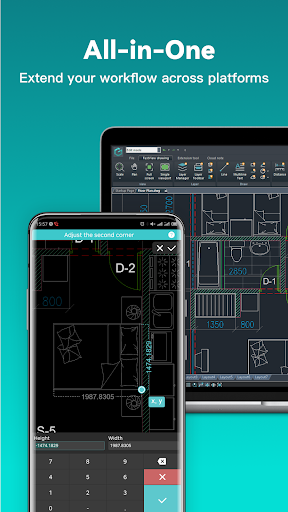
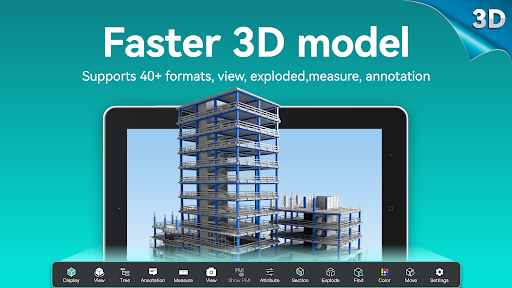
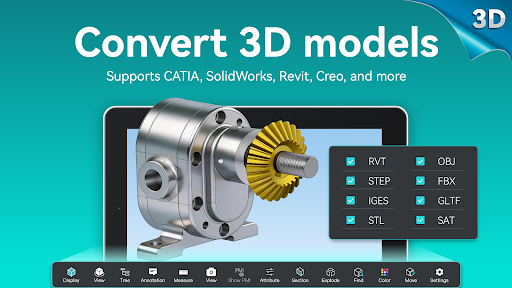
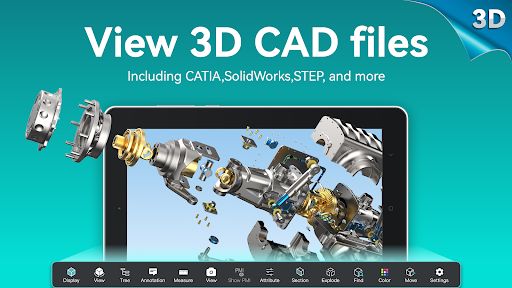
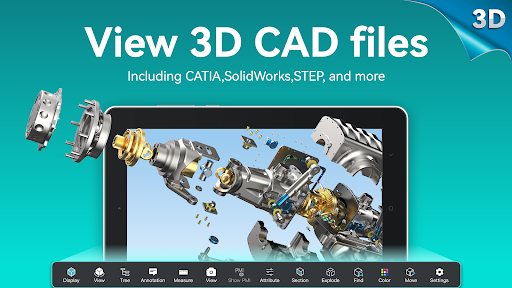
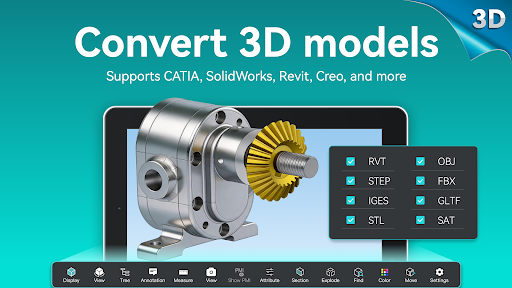
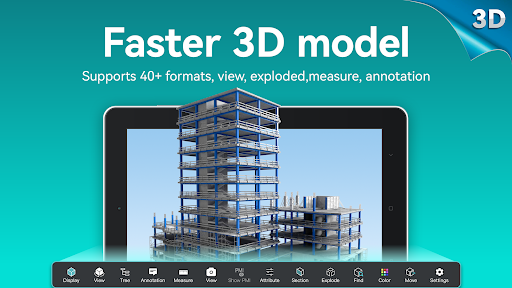
DWG FastView-CAD Viewer&Editor is a mobile app for viewing, measuring and editing CAD drawings. It is aimed at people who need to check or make changes to technical plans while away from a computer, as well as those who simply need to inspect a drawing. It supports DWG and DXF files, and can also display a range of 3D model formats.
What you can do with it
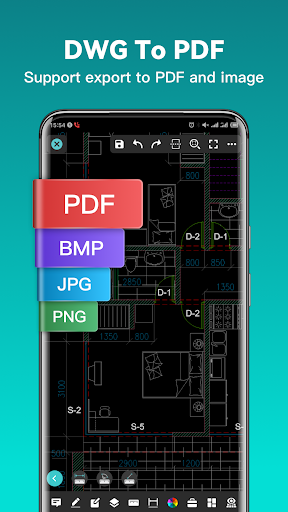
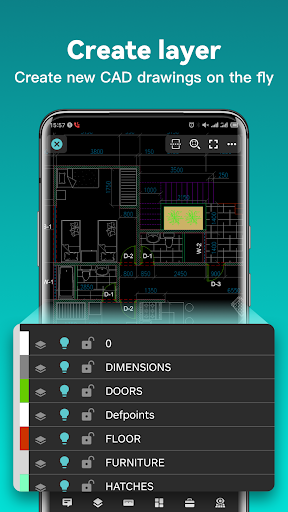
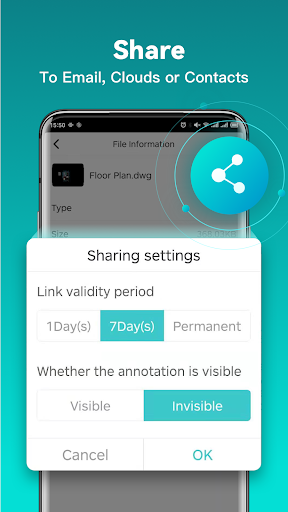
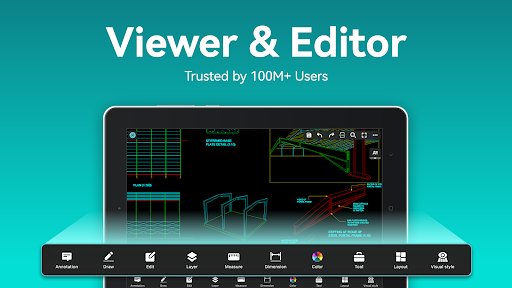
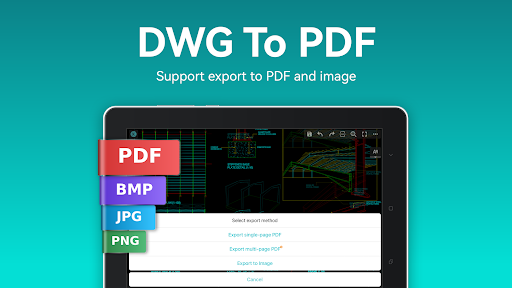
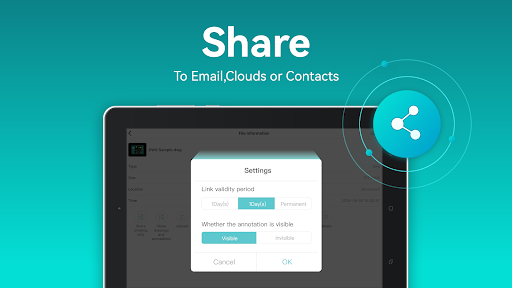
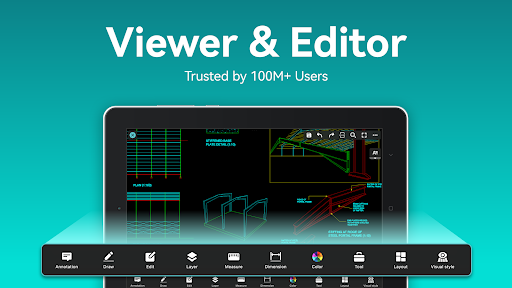
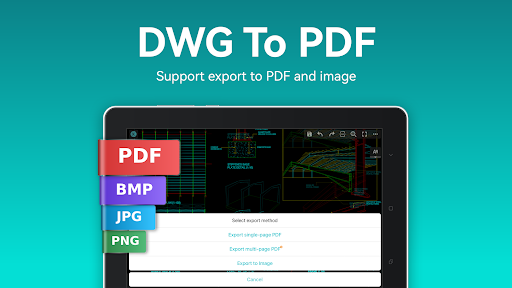
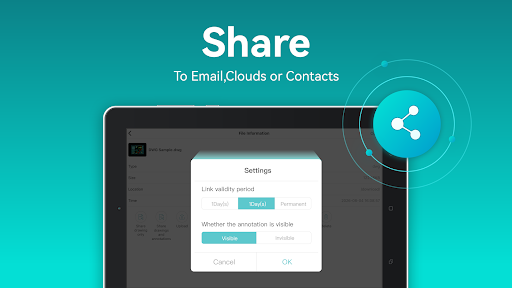
The app includes tools for editing objects, working with layers and layouts, measuring, adding dimensions and searching for text. You can create drawings, too. Drawings can be saved on the device for offline use; opening or sharing files through online storage services requires an internet connection. The app can export drawings to PDF and image formats, with options such as paper size and orientation for PDF export.
That range may be useful for occasional field checks, but it also means the app is more involved than a simple drawing viewer. Consider whether you need editing and measurement tools on your phone, or whether viewing alone would be enough.
Access and people behind the app
The supplied app information says registration is not required and local drawings can be used offline. Online file services are a separate matter: using them depends on an internet connection. The listing does not specify what phone permissions the app requests, so check those on your device and consider whether they make sense for how you plan to use it.
DWG FastView is published by Gstarsoft Co., Ltd. The app has a 3.75 out of 5 rating from 113,734 reviews and more than 10 million installs. Those figures suggest broad use, but they cannot tell you whether its tools fit your particular work or whether you will find the interface comfortable.
Before you decide
Think about the files you need to open, whether you will edit them on a small screen, and whether you are comfortable storing work on your phone or connecting to cloud services. If you stop using the app, consider first where your drawings are saved and whether you need to copy or export them elsewhere.