Navigation and place finding
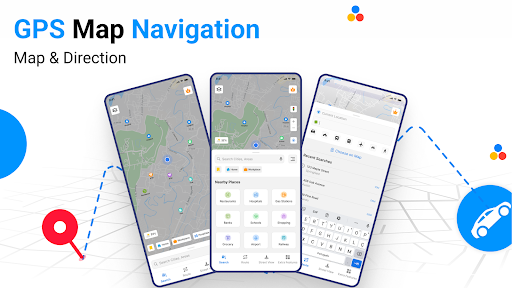
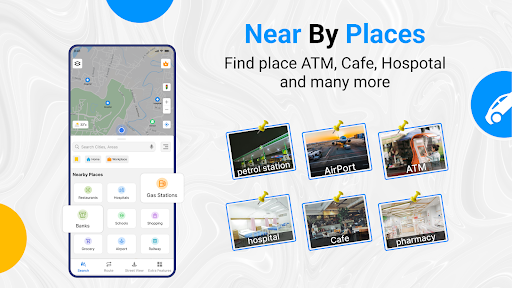
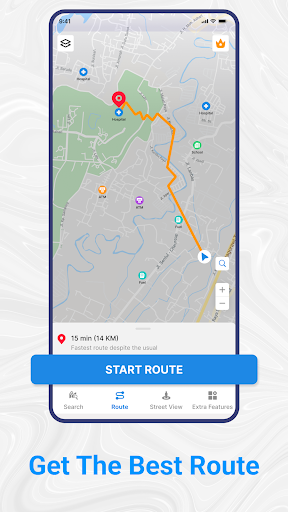
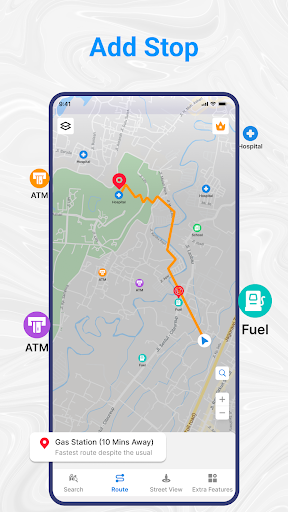
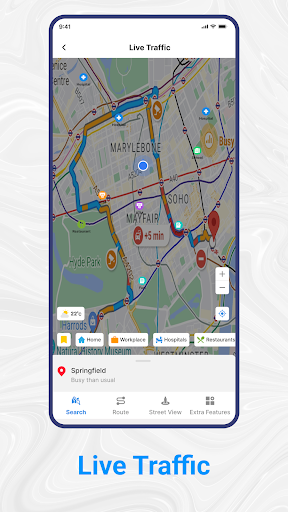
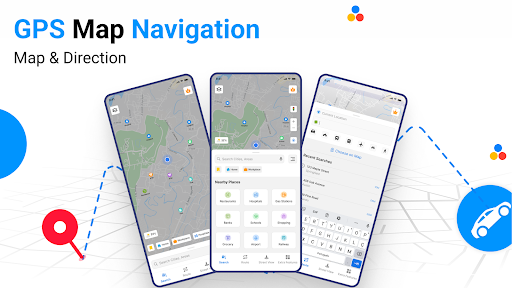
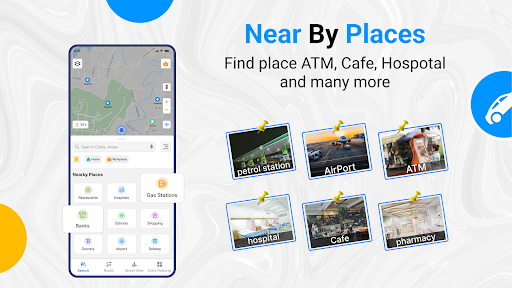
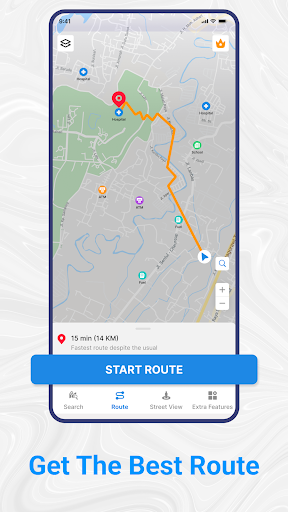
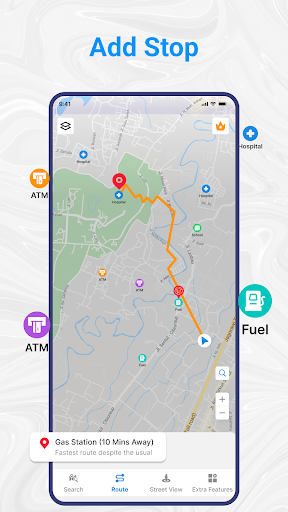
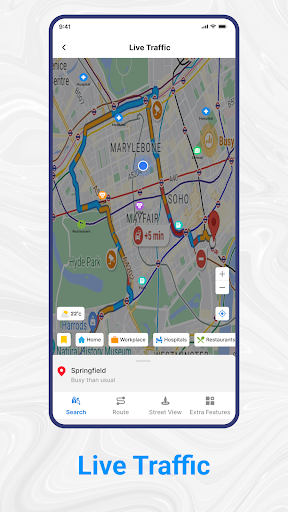
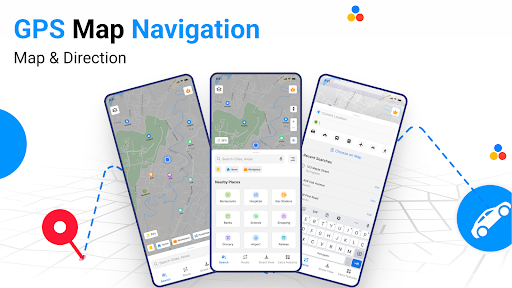
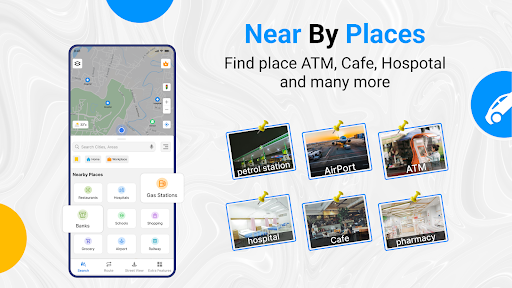
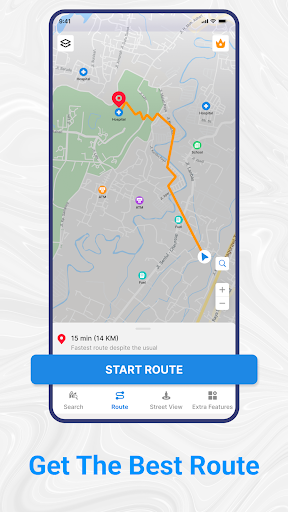
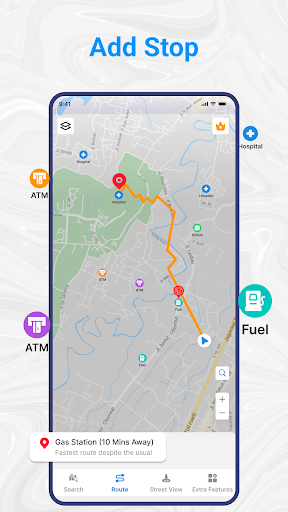
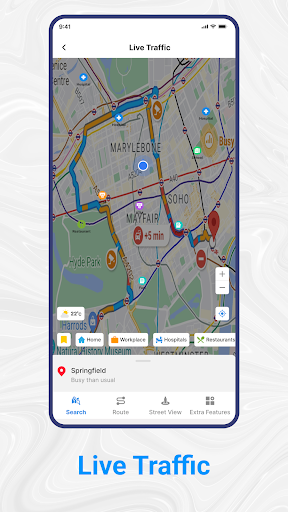
Gps Map Navigation & Direction is a maps and navigation app for people who want help planning routes and finding their way while driving, walking, cycling, or using public transport. Its listed features include turn-by-turn voice guidance, route directions, traffic information, and searches for nearby places such as hospitals, restaurants, ATMs, and airports.
Maps for looking around
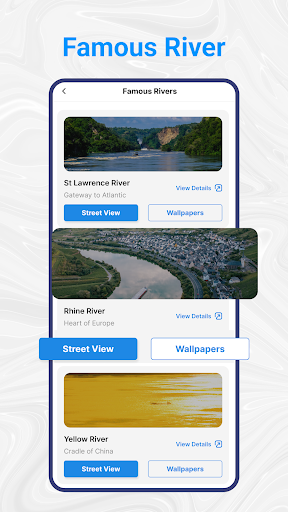
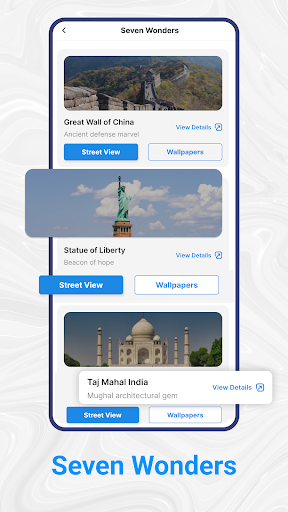
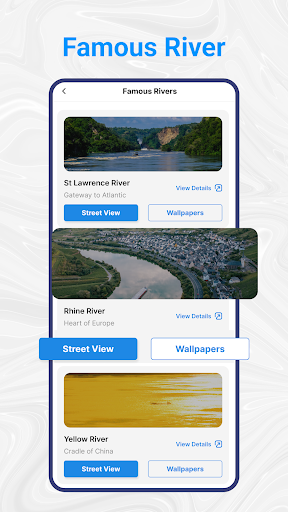
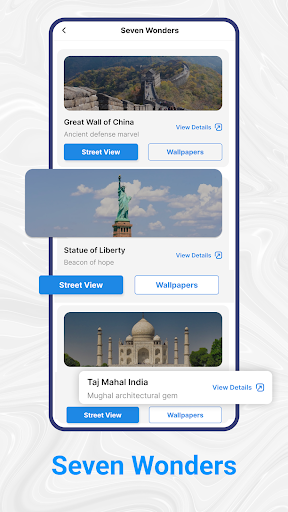
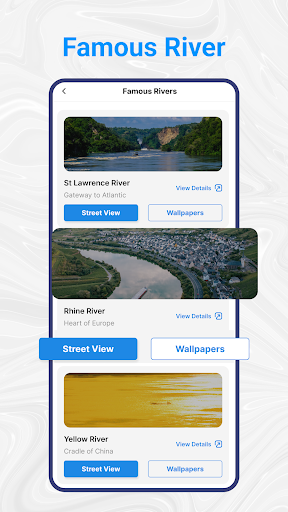
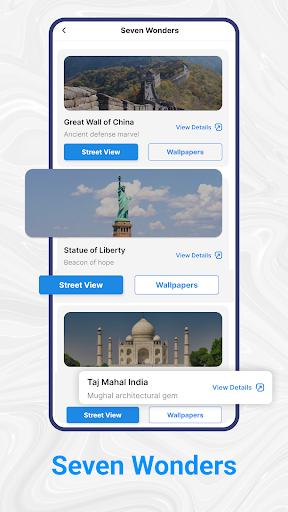
The app also describes street-view imagery and satellite maps, which can help you inspect an area before heading there. These are useful for getting a sense of a destination, but they are different from live navigation: imagery and map detail may vary by location. Check that the coverage suits the places where you expect to use the app.
Who might find it useful
This may suit someone who regularly needs directions or prefers spoken prompts over checking a map by hand. It may be more than you need if you already rely on another navigation app, travel mostly on familiar routes, or only occasionally look up nearby businesses. Consider whether you want another map app on your phone before adding one.
Consider the trade-offs
Blynx PTY Limited is the listed developer. The app has a 4.24 rating from 103,473 reviews and more than 5 million installs. Those figures offer some context about its reach, but they cannot tell you whether its directions or imagery will work well for your trips.
As with any navigation app, think about what access it may request, especially location access, and whether that access makes sense for the features you plan to use. You can review the permissions and privacy information shown on the app listing before deciding. If you stop using it, consider whether you can revoke its access and remove it without disrupting services you depend on.